
ASUS V600 AiO (VM640KA) Full Review – A Smart, Space-Saving Desktop Built for Modern Productivity

All-in-one desktops continue to gain popularity, especially among users who value a tidy workspace without compromising on essential performance. The ASUS V600 AiO (VM640KA) is designed to meet those expectations, combining a sleek design, capable hardware, and a growing emphasis on AI-driven features.
But beyond its clean appearance, how well does it perform when it comes to the experience and usage? Let’s dive into this full review.
Design & Build Quality: Clean and Contemporary
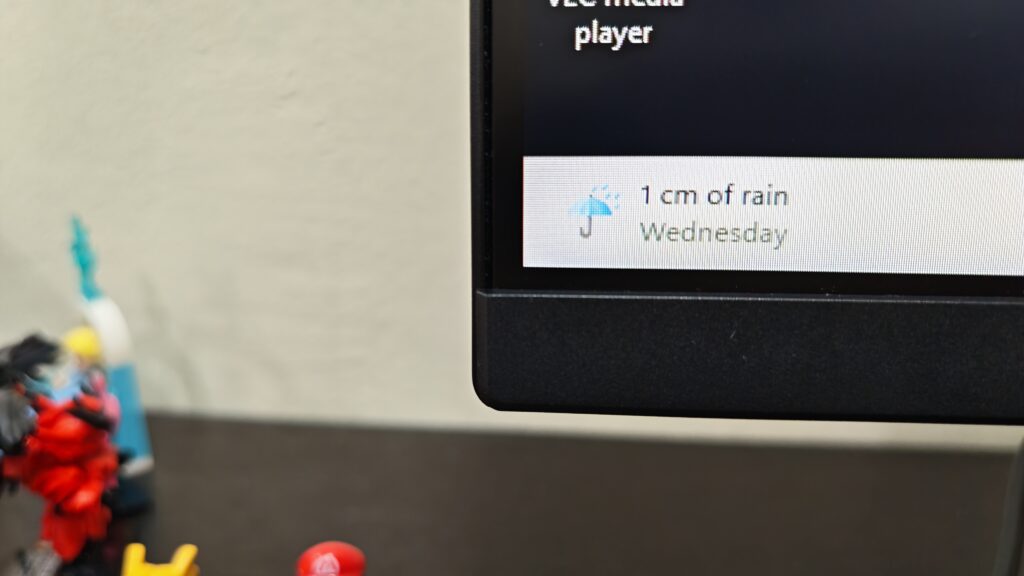

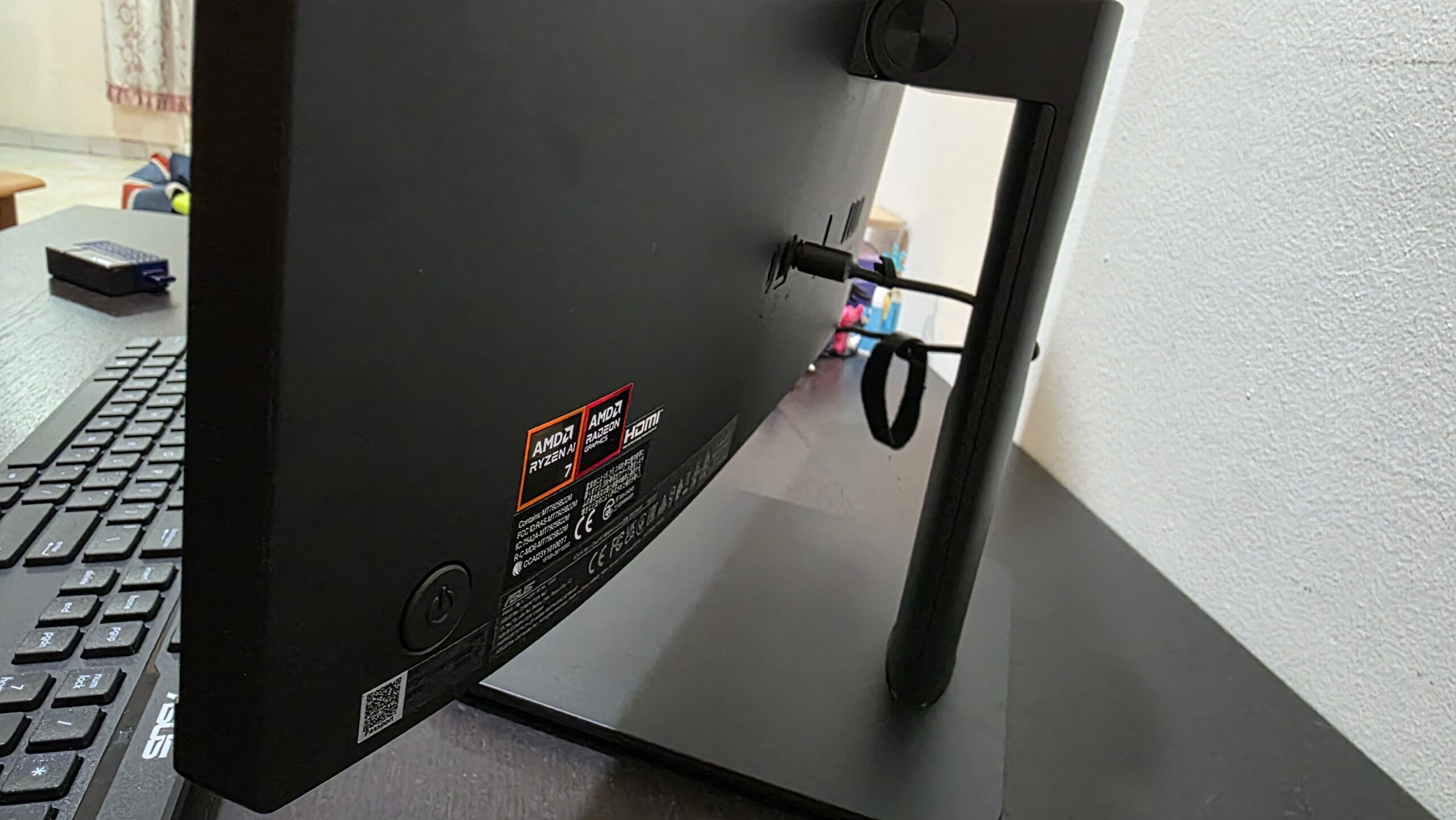
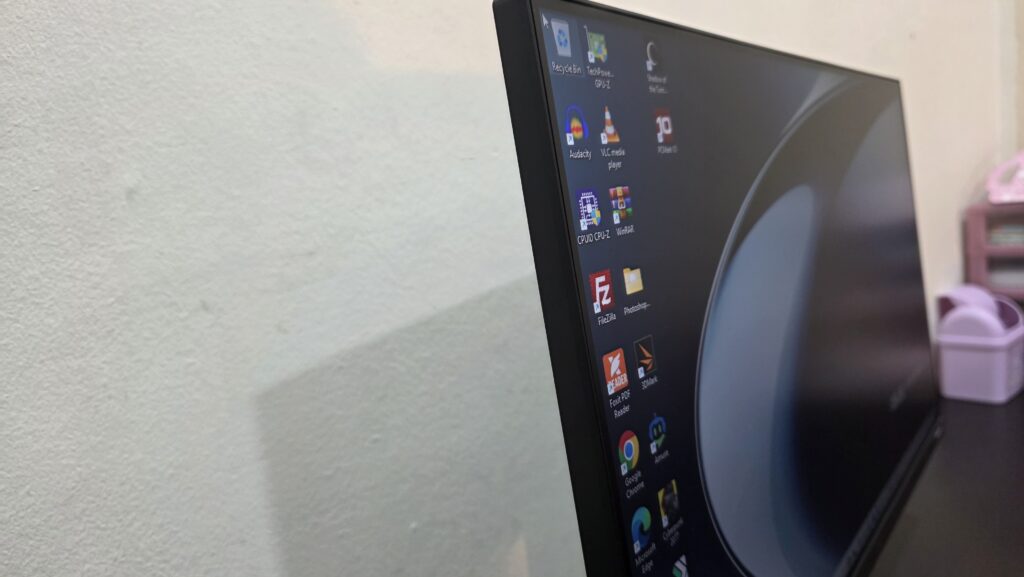
At first glance, the ASUS V600 AiO impresses with its refined and minimalist design. It’s clearly built to blend into both home and office setups, offering a clutter-free solution that eliminates the need for bulky desktop towers. The device features a slim chassis paired with narrow bezels, allowing the 23.8-inch display to take center stage. This results in a more immersive viewing experience while maintaining a compact footprint on your desk.
While the design looks modern, the construction leans toward practicality. The use of plastic materials helps keep the overall weight manageable, though it doesn’t quite deliver the premium feel of metal-bodied alternatives. That said, it still feels sturdy enough for everyday use.
One area where the V600 AiO falls slightly short is ergonomics. The stand supports tilt adjustments, but there’s no option for height or swivel adjustments, which may limit comfort for some users during long working hours.
Display: Comfortable Viewing for Daily Tasks

The ASUS V600 AiO comes equipped with a 23.8-inch Full HD IPS 100Hz 8 bit display, which is well-suited for general productivity and entertainment. Colors appear vibrant thanks to its full sRGB coverage, making it a solid choice for tasks like content consumption, document editing, and casual photo work. The wide viewing angles also ensure that visuals remain consistent even when viewed from different positions.
However, this display isn’t tailored for professional-grade creative work. While it delivers pleasing visuals, it lacks the precision and calibration required for tasks such as advanced photo editing or color-critical design work.
On the bright side, ASUS has included eye-care technologies such as low blue light filtering and an anti-glare coating. These features make extended screen time more comfortable, especially for users who spend hours working in front of the display.
Performance: Reliable for Everyday Use

Powering the ASUS V600 AiO is AMD Ryzen™AI 7 350 Processor or Ryzen™AI 5 330 Processor, offering a balance between performance and efficiency. Depending on the configuration, users can get up to a Ryzen AI 7 chip (the one that we are reviewing), which brings a dedicated neural processing unit (NPU) for handling AI-related workloads.

In day-to-day usage, the system performs smoothly across a range of common tasks. Multitasking between office applications, browsing with multiple tabs, and streaming content all run without noticeable slowdowns.

With support for up to 64GB of DDR5 RAM and fast NVME 4.0 SSD storage, responsiveness is one of its strengths. Applications launch quickly, and switching between tasks feels seamless. Depending on regions, our unit came with a single stick of 16GB RAM and 1TB of NVME storage, however for the memory it still can be expanded with a SODIMM stick and the NVME storage can be replaced or upgraded if you desire.
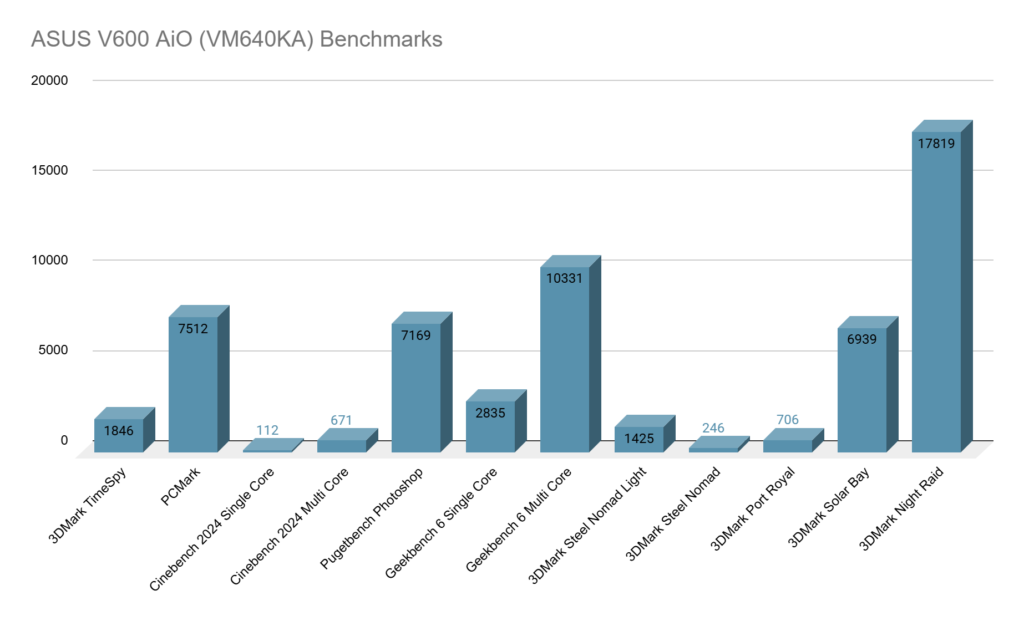
That said, the V600 AiO is not built for heavy-duty workloads. The integrated graphics solution is capable of handling light gaming and basic creative tasks, but it struggles with more demanding applications such as high-end video editing or modern AAA games.
AI Features: Practical Tools for Productivity

A key highlight of the ASUS V600 AiO is its integration of AI-powered features aimed at improving productivity, especially for remote work. Through ASUS’s AI tools, users can benefit from features like automatic meeting transcription, real-time subtitle translation, and speaker identification. These tools can be particularly useful for professionals who frequently attend virtual meetings or collaborate across different languages.
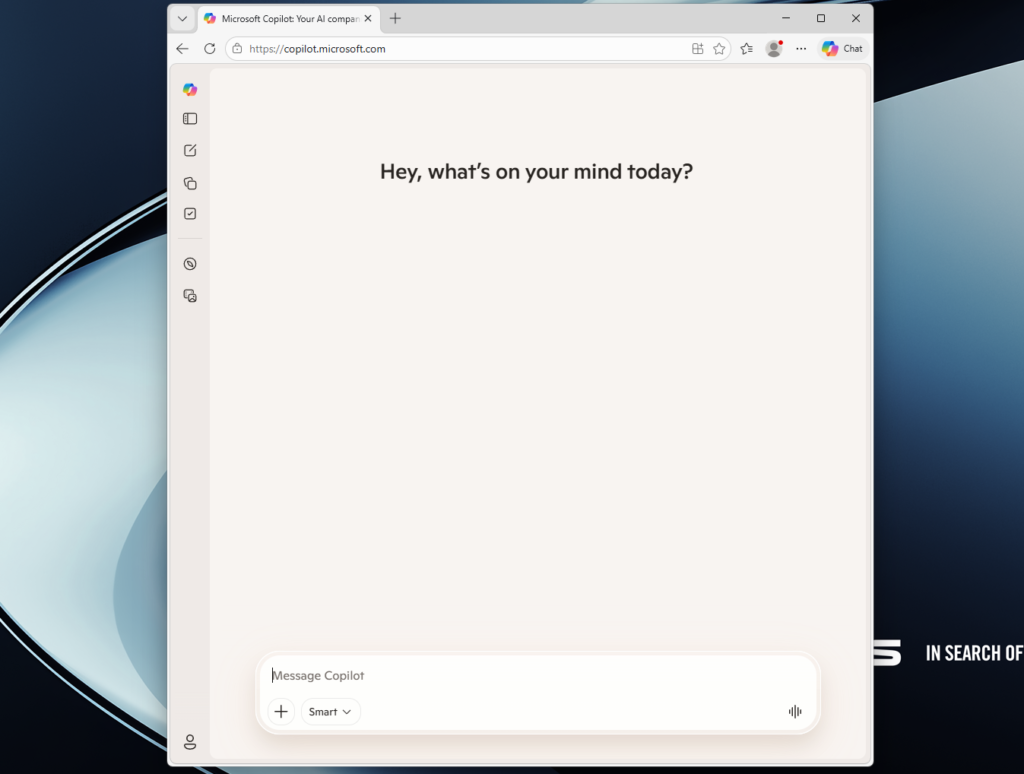

The system also includes a dedicated key for Microsoft Copilot, making it easy to access AI assistance for tasks such as drafting content, summarizing information, or managing workflows.
While AI features are still evolving, their inclusion here adds a forward-looking element that enhances the overall value of the device.
Audio & Webcam: Built for Communication
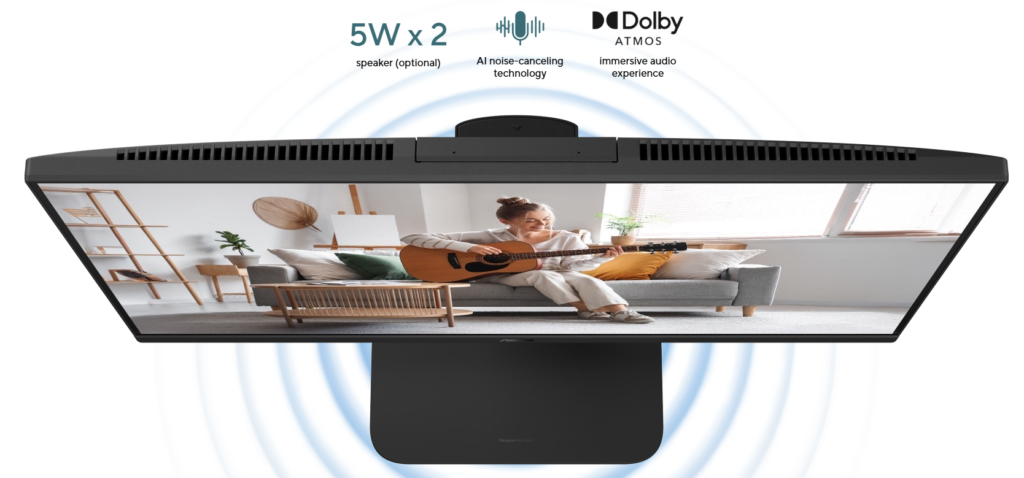
The built-in audio system on the V600 AiO is adequate for everyday use. It delivers clear sound for video calls, casual music listening, and streaming, and it actually almost matches the richness and depth you would get from dedicated speakers.
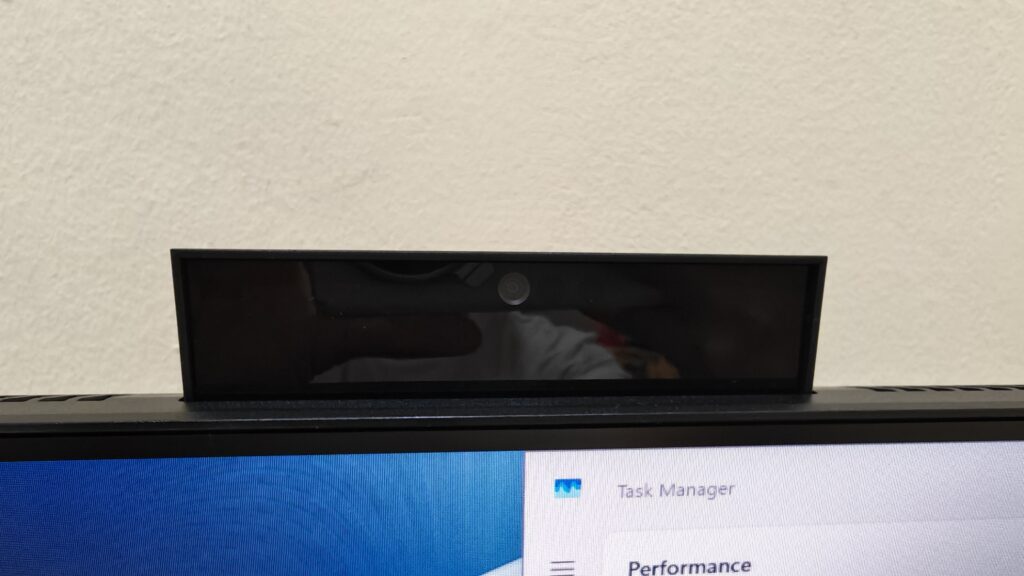
For communication, however, the device performs much better. It features a high-resolution webcam with infrared support, enabling secure facial recognition login through Windows Hello.
The webcam is further enhanced with AI-driven features such as background blur and gaze correction, helping users maintain a professional appearance during video calls. These additions make the V600 AiO particularly appealing for remote workers and students.
Connectivity: More Flexible Than Expected
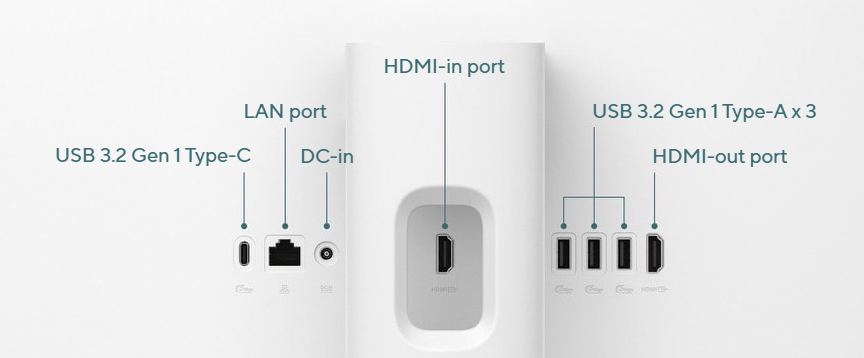
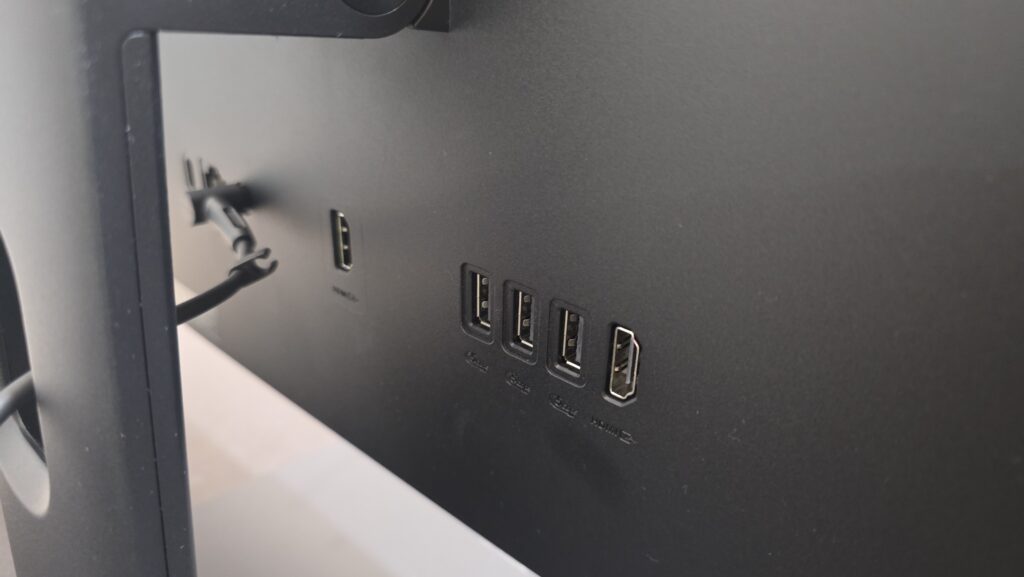
Despite its all-in-one form factor, the ASUS V600 AiO offers a surprisingly comprehensive selection of ports. Users will find multiple USB ports, HDMI input and output options, an Ethernet port, and a standard audio jack. One standout feature is the HDMI-in capability, which allows the device to function as a secondary display for other devices like laptops or gaming consoles.
Wireless connectivity is equally impressive and modern, with support for WiFi 7 ensuring faster speeds and more stable connections in compatible environments. This level of connectivity makes the V600 AiO versatile enough to adapt to different usage scenarios.
User Experience: Simple and Hassle-Free
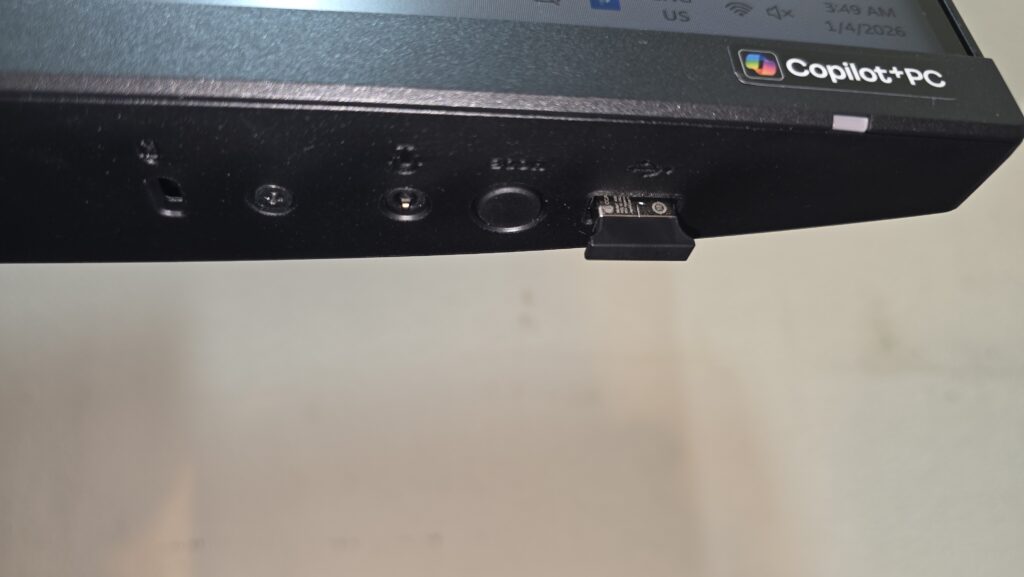
One of the biggest advantages of an all-in-one desktop is the ease of setup, and the ASUS V600 AiO delivers on this front. With minimal cabling required, users can get started quickly by simply plugging in the power and connecting the included wireless keyboard and mouse.
This simplicity makes it an excellent choice for users who prefer a straightforward computing experience without dealing with complicated setups.
However, the included peripherals are fairly basic in terms of build quality and feel. While they get the job done, users who prioritize comfort and durability may want to consider upgrading to higher-quality accessories.
Pros & Cons
Pros
- Elegant, space-saving design
- Large display with good color reproduction
- Smooth performance for daily tasks
- Useful AI-powered productivity tools
- HDMI-in feature adds versatility
- Future-ready connectivity with WiFi 7
Cons
- Limited ergonomic adjustments
- Audio quality is just average
- Not designed for heavy workloads or gaming
- Bundled accessories feel entry-level
Final Verdict: A Practical Choice for Everyday Users

The ASUS V600 AiO (VM640KA) positions itself as a well-rounded solution for users who need a dependable, no fuss and visually clean desktop setup.
It shines in areas that matter most to everyday users, productivity, ease of use, and modern features like AI integration. Whether you’re working from home, studying, or setting up a shared workstation, this AiO delivers a solid and convenient experience. However, those who require high-performance graphics or professional-grade display accuracy may find its capabilities somewhat limited.
Conclusion
Overall, the ASUS V600 AiO is a strong contender in the all-in-one desktop category. It successfully combines modern aesthetics, capable performance, and forward-thinking AI features into a single, easy-to-use package.
While it isn’t without its compromises, particularly in terms of ergonomics and high-end performance, it offers excellent value for users seeking a clean and efficient desktop solution.
For more information on the ASUS V600 AiO, click here to find out.


![[Photo 1] Healthier Living_ How AI-Powered Home Appliances Can Support Everyday Wellbeing](https://1side0.net/wp-content/uploads/2026/10/Photo-1-Healthier-Living_-How-AI-Powered-Home-Appliances-Can-Support-Everyday-Wellbeing-300x169.jpg)