AI PCs Explained: What You Need to Know Before Buying Your Next Laptop

AI is quickly becoming part of everyday computing, and the latest generation of laptops is designed to take advantage of it directly on the device. From improving video calls and editing photos to summarising meetings and searching through files, AI PCs are making everyday tasks faster and more convenient.
While AI tools have been available through web browsers for years, many of them rely on cloud servers to process requests. AI PCs take a different approach by using dedicated hardware to handle certain AI workloads locally. This can reduce reliance on an internet connection while also keeping supported data on the device.
So, what actually makes a laptop an AI PC?
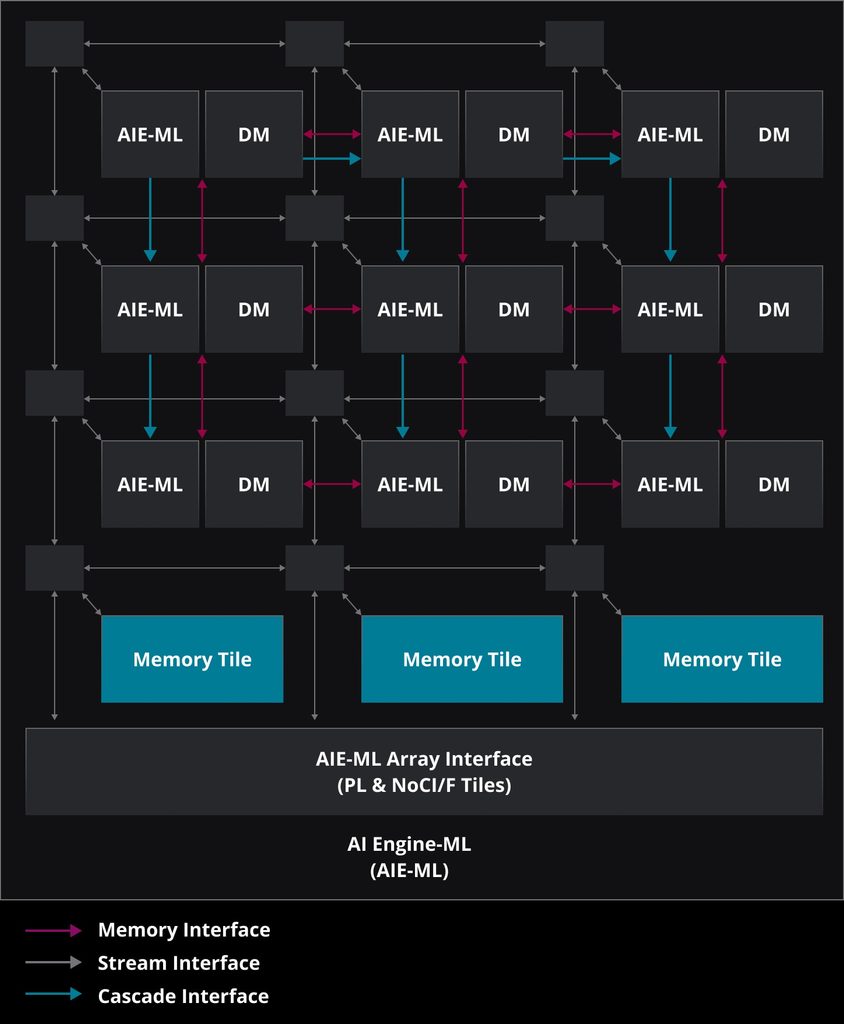
The key component is the NPU, or Neural Processing Unit. Traditional laptops mainly rely on the CPU for general tasks and the GPU for graphics. An AI PC adds an NPU specifically designed to accelerate AI workloads more efficiently.
This can bring several practical benefits. AI features can run with less impact on the CPU, potentially improving power efficiency and battery life. Local processing can also make supported AI functions feel more responsive, while keeping certain personal files and information on the laptop instead of sending them to the cloud.
For everyday users, these features are becoming increasingly useful. Video conferencing software can automatically improve lighting, blur backgrounds and enhance eye contact. Photo editing applications can use AI to remove noise, sharpen images and upscale photos. Students and professionals can also take advantage of live transcription, meeting summaries and AI-assisted writing tools.
AI-powered search is another useful development. Instead of remembering an exact filename, users can increasingly search for files and photos using natural descriptions, making it easier to locate information stored on the laptop.
For creative users, AI acceleration is also being integrated into image and video editing, content creation and other demanding workflows.
AMD Ryzen AI processors are powering a growing range of Copilot+ PCs, combining CPU, GPU and NPU capabilities. Depending on the processor, AMD says its latest Ryzen AI platforms can deliver up to 60 TOPS of NPU performance, while focusing on a balance between performance and power efficiency
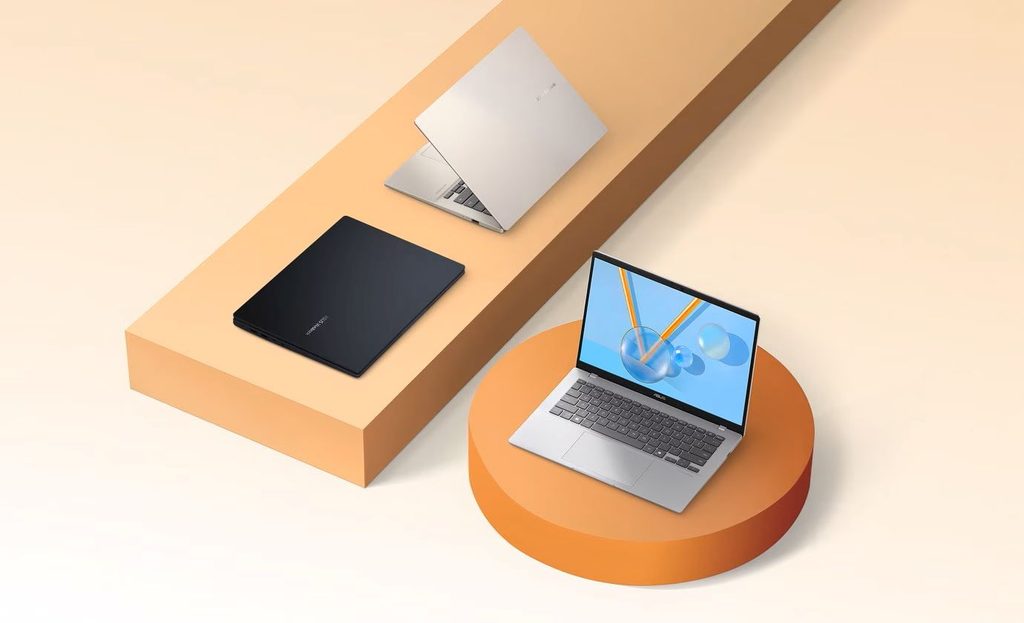

There are now AI PC options for different types of users. For students and general users, laptops such as the ASUS Vivobook 14 with AMD Ryzen AI 7 445, Lenovo IdeaPad Slim 5a with Ryzen AI 5 430 and HP OmniBook 5 with Ryzen AI 5 340 are designed around everyday productivity.
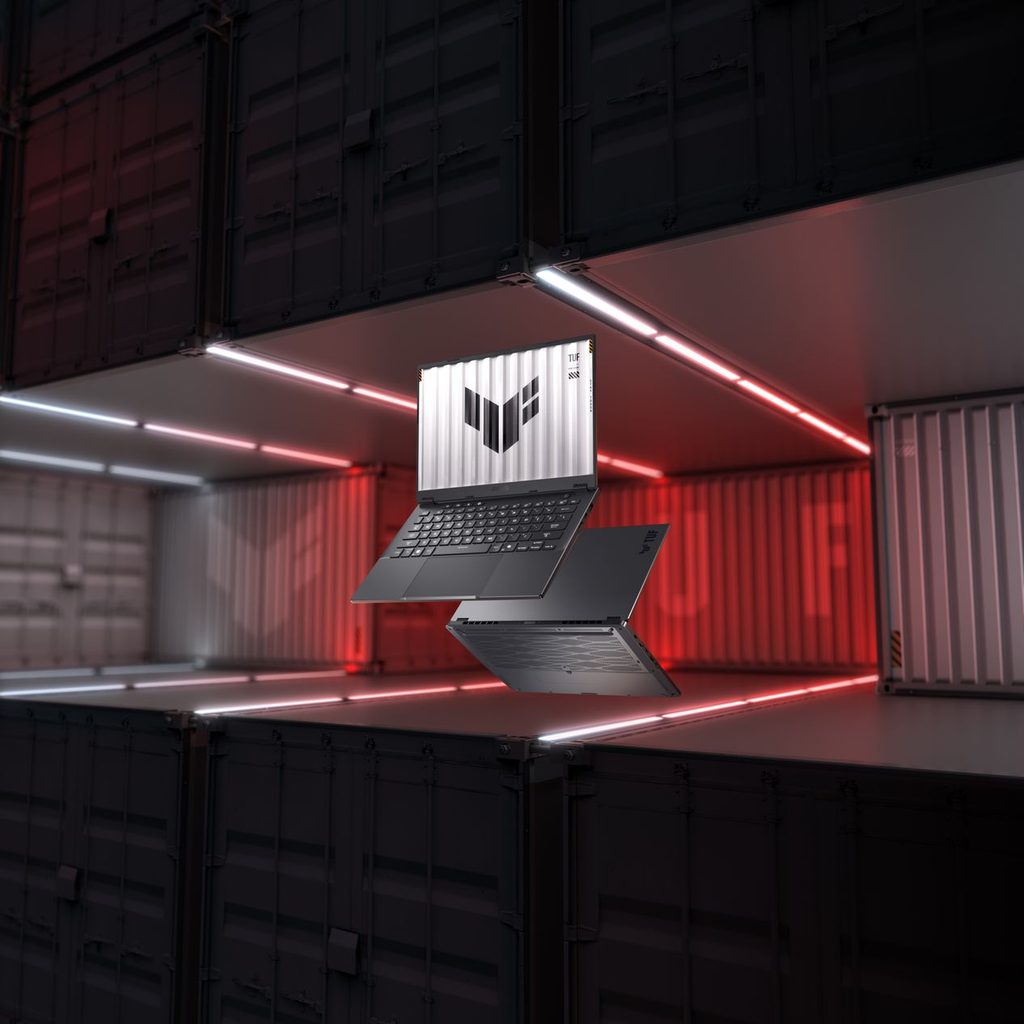

Users looking for a larger display and more performance can consider the ASUS Vivobook S16 with Ryzen AI 7 445, while professionals and creators can step up to systems such as the ASUS TUF Gaming A14 with Ryzen AI MAX+ 392 or Lenovo Yoga Slim 7a with Ryzen AI 7 445 for more demanding workloads.
Ultimately, an AI PC isn’t simply about having an AI chatbot built into a laptop. The bigger advantage comes from having dedicated hardware that can accelerate supported AI features efficiently and, in some cases, process them locally.
As AI becomes increasingly integrated into productivity software, creative applications and operating systems, having an NPU-equipped laptop could become just as normal as having a CPU and GPU. For anyone planning their next laptop upgrade, AI capabilities are therefore worth considering alongside performance, battery life, display and portability.